River / keep your creative life moving
Open it up.
Start writing.
Fire out a few lines. Some thoughts, one or two things you were wondering about. Leave it at that if you like.
Take a look insideToday
Get the words out.
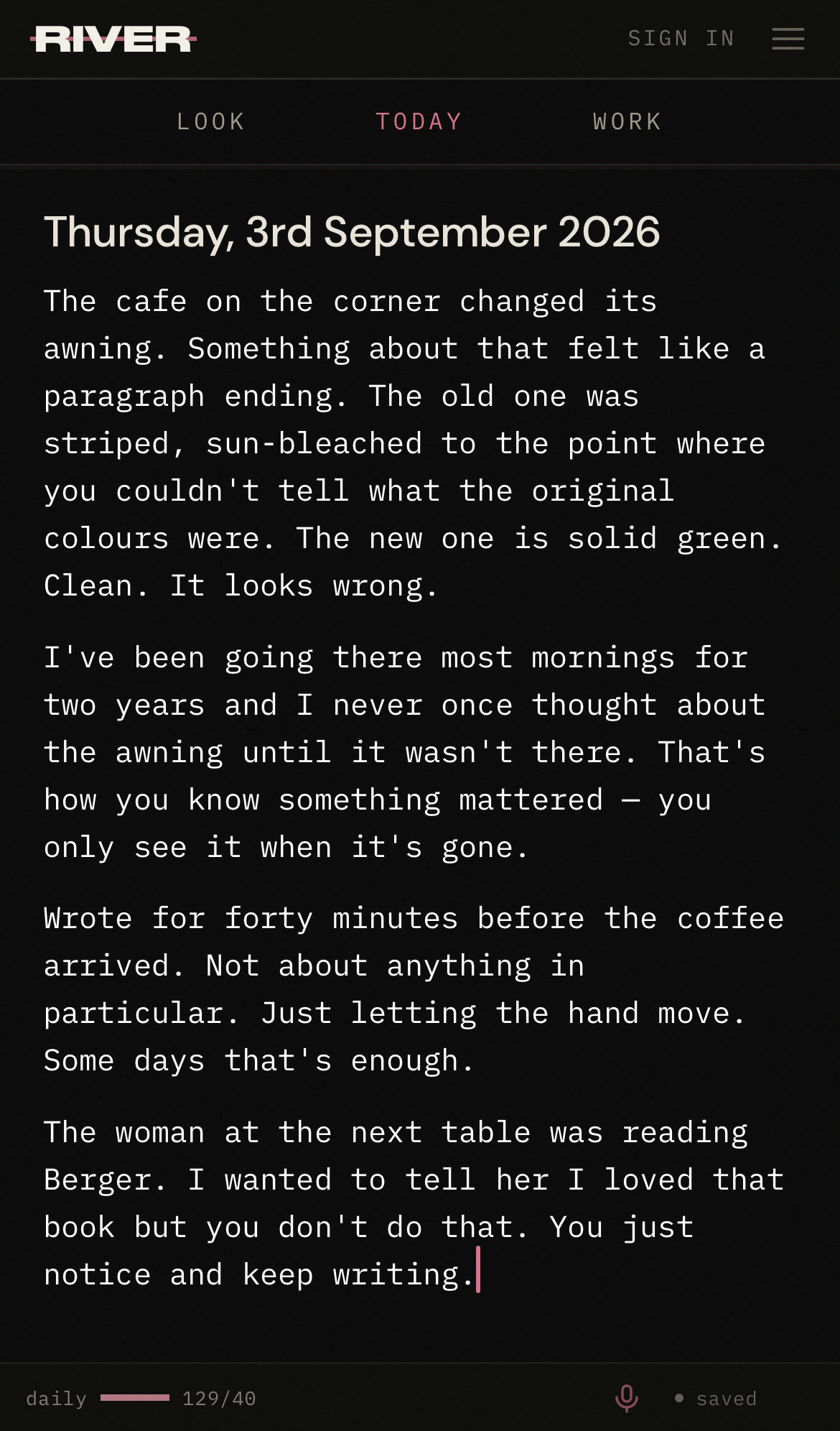
Today’s page is ready when you open River. You don’t have to know what the writing is for. Just start, and see where you get to.
Speak
Or just say it.
Some thoughts come out better spoken. Tap the microphone in the bottom bar and talk. River keeps the recording on the page. Tap transcribe to add the words beneath it; the transcription happens on your device.
She said something about how writing is just thinking slowed down enough to see. I wrote it on a receipt and now I can’t find the receipt.
The words go here, beneath the sound.
Look
Put a picture in it.
A page can hold more than words. Search Unsplash from inside the writing and the photograph lands between your paragraphs, credit written. Or add one of your own. Once you’re signed in, it’s all there in the menu.
Across the days
A place for all
those words.
Get into today and keep writing. Your earlier days are there when you want them: scroll up to read back, or add something. Double-tap the date to come back to today.
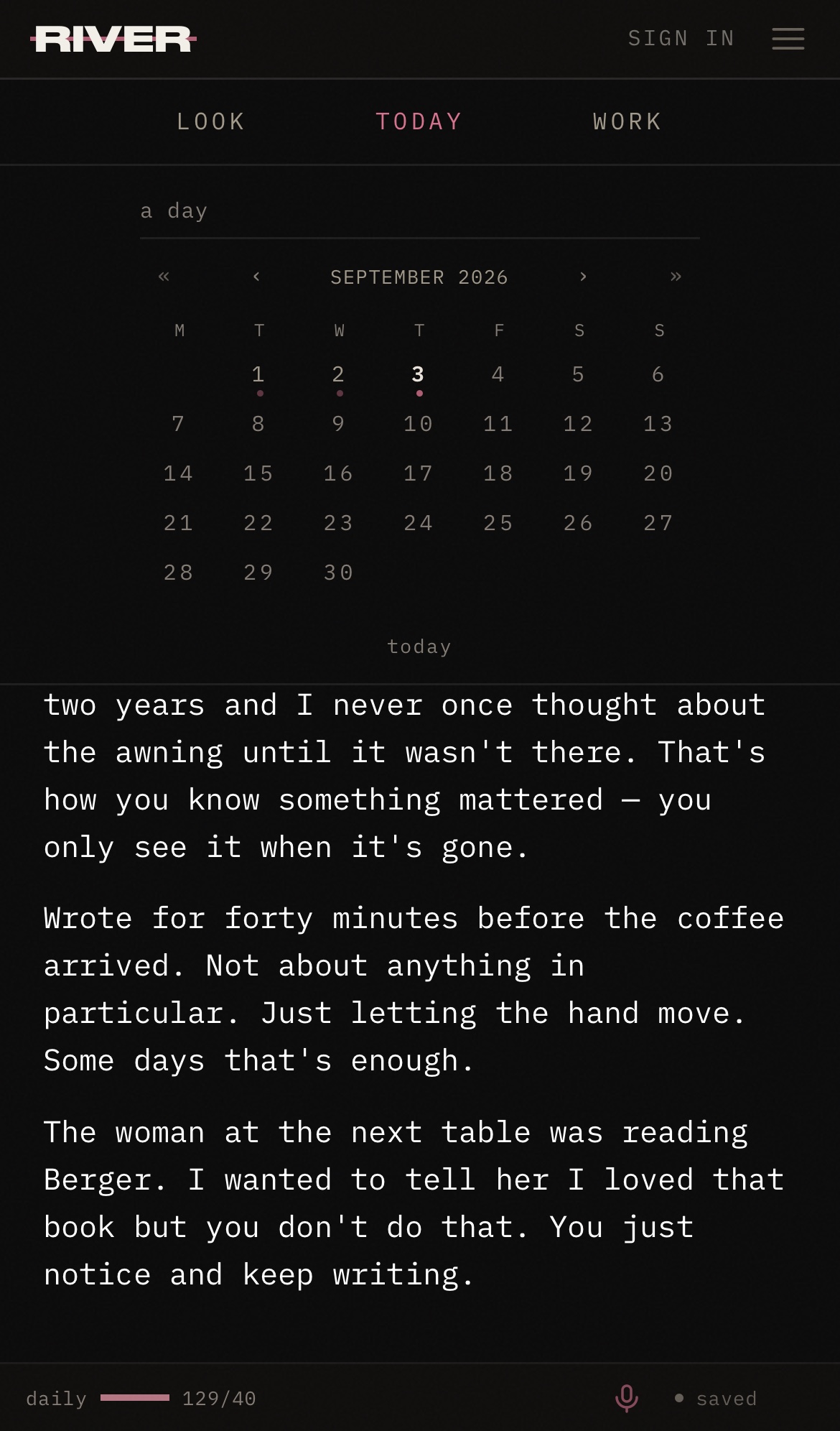
Find a day with the calendar
Tap the date above your writing to open the calendar, then choose a day.
Something to work on
Give that line
a life of its own.
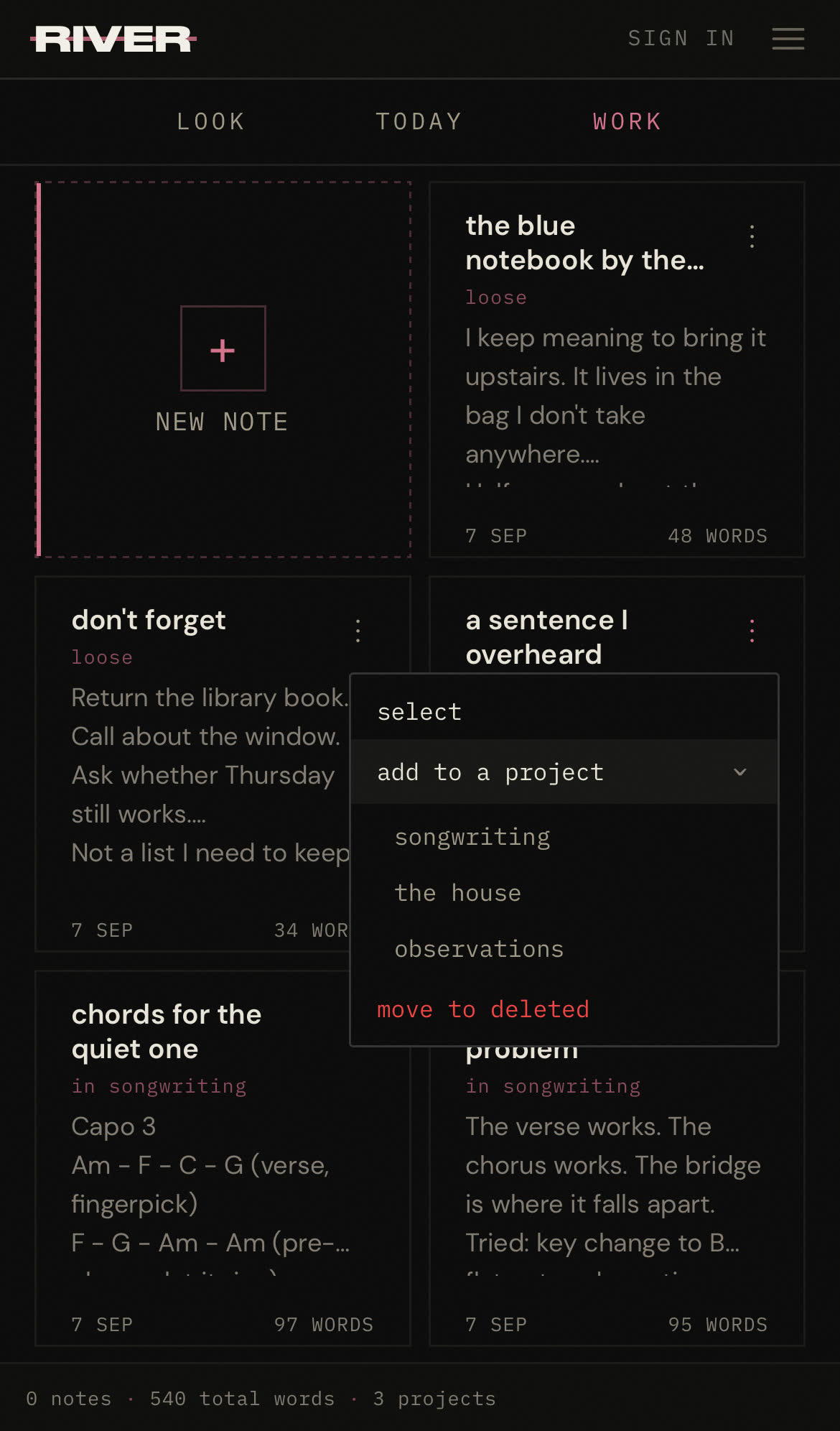
If you write or say something you like and want to put it to work somehow, select that passage and send it to a new or existing note. Then you’re free to carry on with the day, and you can come back to work on that piece when you’re ready.
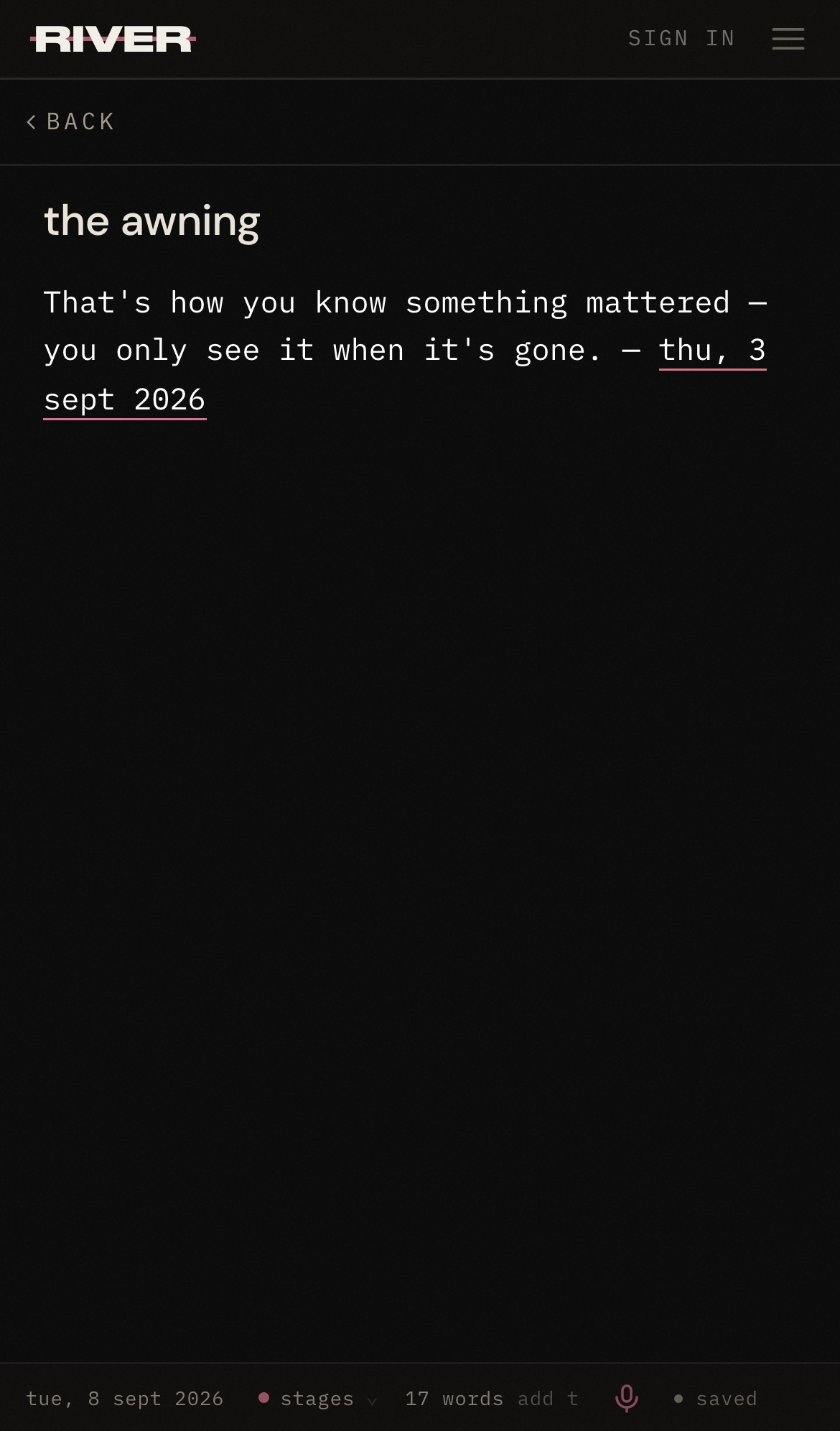
When it’s time to work
Get a few things together.
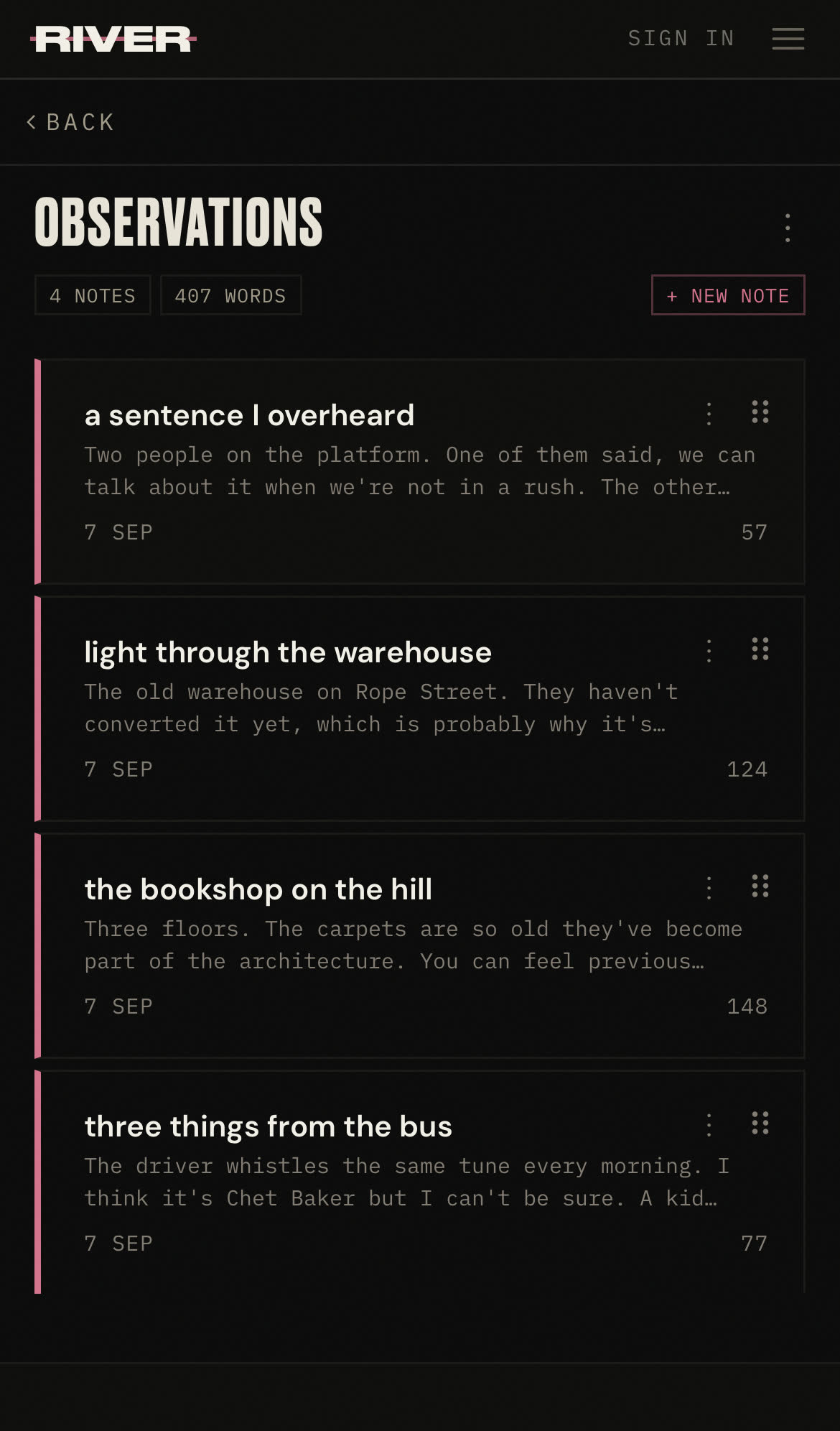
A project keeps related notes together. A collection of observations, a set of songs, a story in pieces. Notes can sit loose until you know where they belong; when you do, file them from the note’s own menu and open the project in Work to pick up where you want to.